ASSESSMENTS

Touchstone Institute Portal User Guide
On this page you will find a user guide to help you navigate the Touchstone Institute Portal.

Below you will find detailed Instructions on how to:
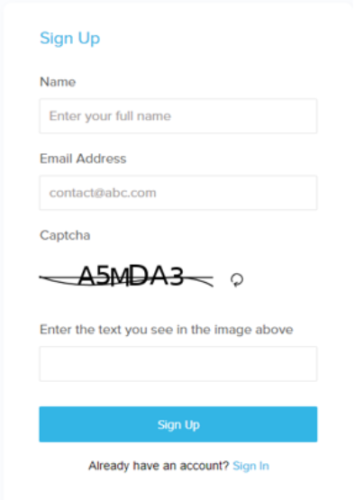
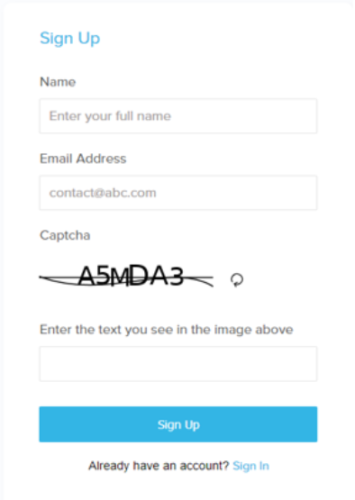
- Create a user account and sign in
- Complete your personal information
- Register for an assessment date
- Cancel an assessment date

Supported Browsers
PC Users
- Google Chrome - recommended for best user experience
- Internet Explorer version 10 and above
- Firefox
Mac Users
- Google Chrome - recommended for best user experience

How To Sign in and Register
Click on a section below to view instructions on using different parts of the User Portal.